

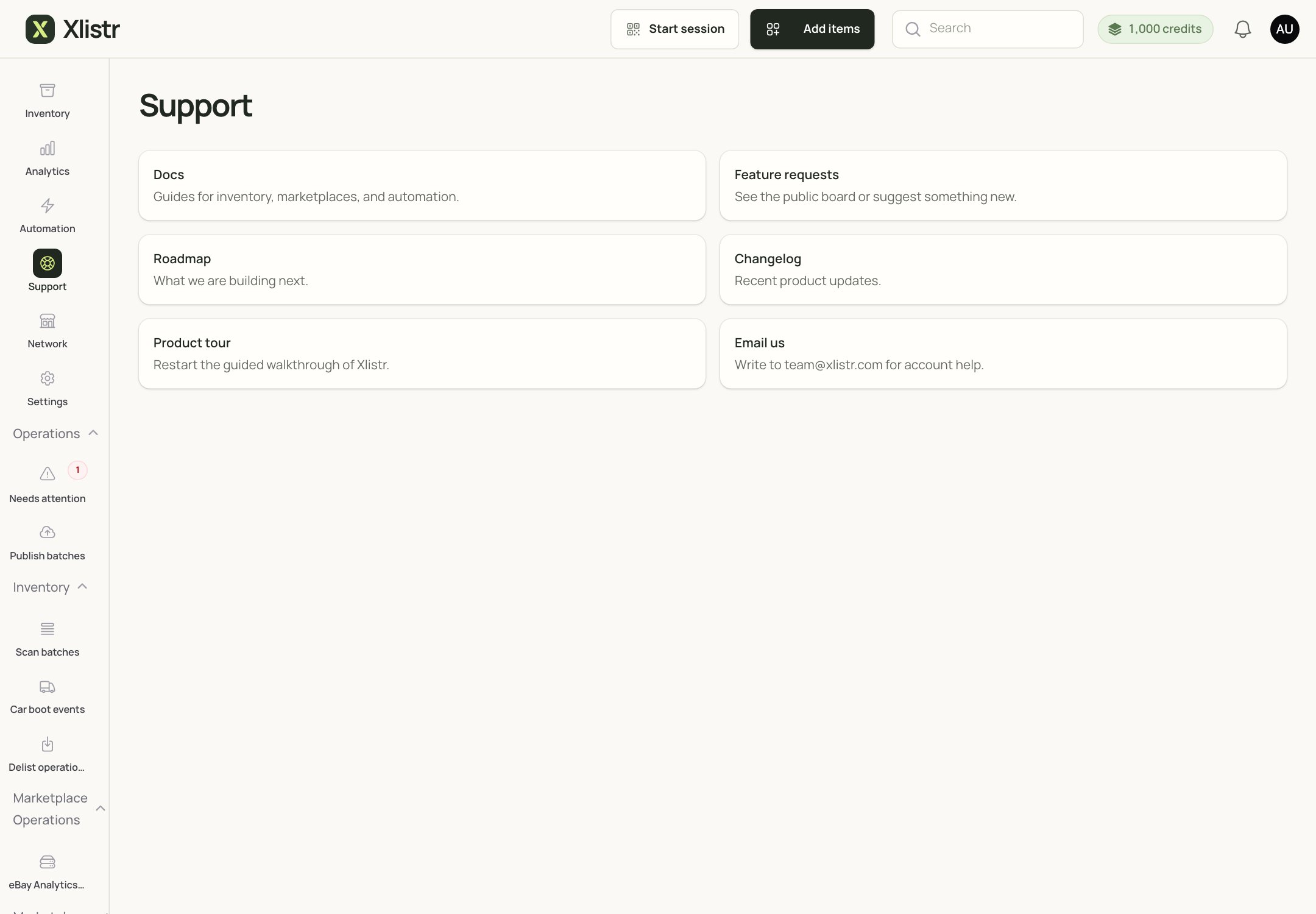
The Support page in Xlistr. It links to the docs, roadmap, changelog, product tour and email support.
What to include
Please include:- your Xlistr account email;
- the inventory item title or SKU;
- the marketplace (eBay, Vinted, Depop, Shopify and so on);
- the action you were running (publish, revise, delist, sync);
- the exact error message;
- the approximate time, including your time zone;
- whether the action was queued, waiting, completed or failed;
- a screenshot if it helps.
Send a safe screenshot
A screenshot is often the fastest way to explain a problem. Before you send it, hide:- buyer names, addresses and phone numbers;
- marketplace account IDs;
- payment details;
- any personal information that is not needed.
Email us
Write to team@xlistr.com. We are a small team. We read every message, but we cannot always reply instantly. A clear message with the details above helps us help you faster.Before you email
Try these first; they solve a surprising number of problems:- Refresh the page.
- Check Needs attention for the exact issue.
- Check Automation > Shop integrations for a connection that needs reconnecting.
- Check Chrome and the extension if the shop uses a browser session.
- Read the error guide.
- Check the marketplace itself before retrying an uncertain publish.
What happens after you contact us
We will usually:- Check the item or account details you sent.
- Look at the action status and the error.
- Tell you whether it is a connection, listing detail, marketplace or Xlistr issue.
- Ask for more information if we need it.
- Fix what we can and explain what you need to do.
Common questions
How quickly will you reply?
How quickly will you reply?
We are a small team, so reply times vary. A clear message with the exact error helps us get to it faster.
Can you log in to my account?
Can you log in to my account?
We may be able to view account details to investigate, but we will never ask for your password or two-factor code. We do not need them.
Can you fix a listing on the marketplace for me?
Can you fix a listing on the marketplace for me?
We can help you understand the error and fix the Xlistr side. We cannot sign in to your marketplace account or change marketplace rules.
I have a billing question
I have a billing question
Include your account email, the invoice number and the date. Do not send full card details.
I found a security problem
I found a security problem
Email us immediately with a short description. Do not post details publicly. We will investigate and reply as soon as we can.
Next steps
Fix marketplace errors
Work through the exact error message.
Background actions
Understand queued, waiting, failed and ambiguous.
Chrome extension
Restore a waiting browser session.
Glossary
Find the right words for your support request.