

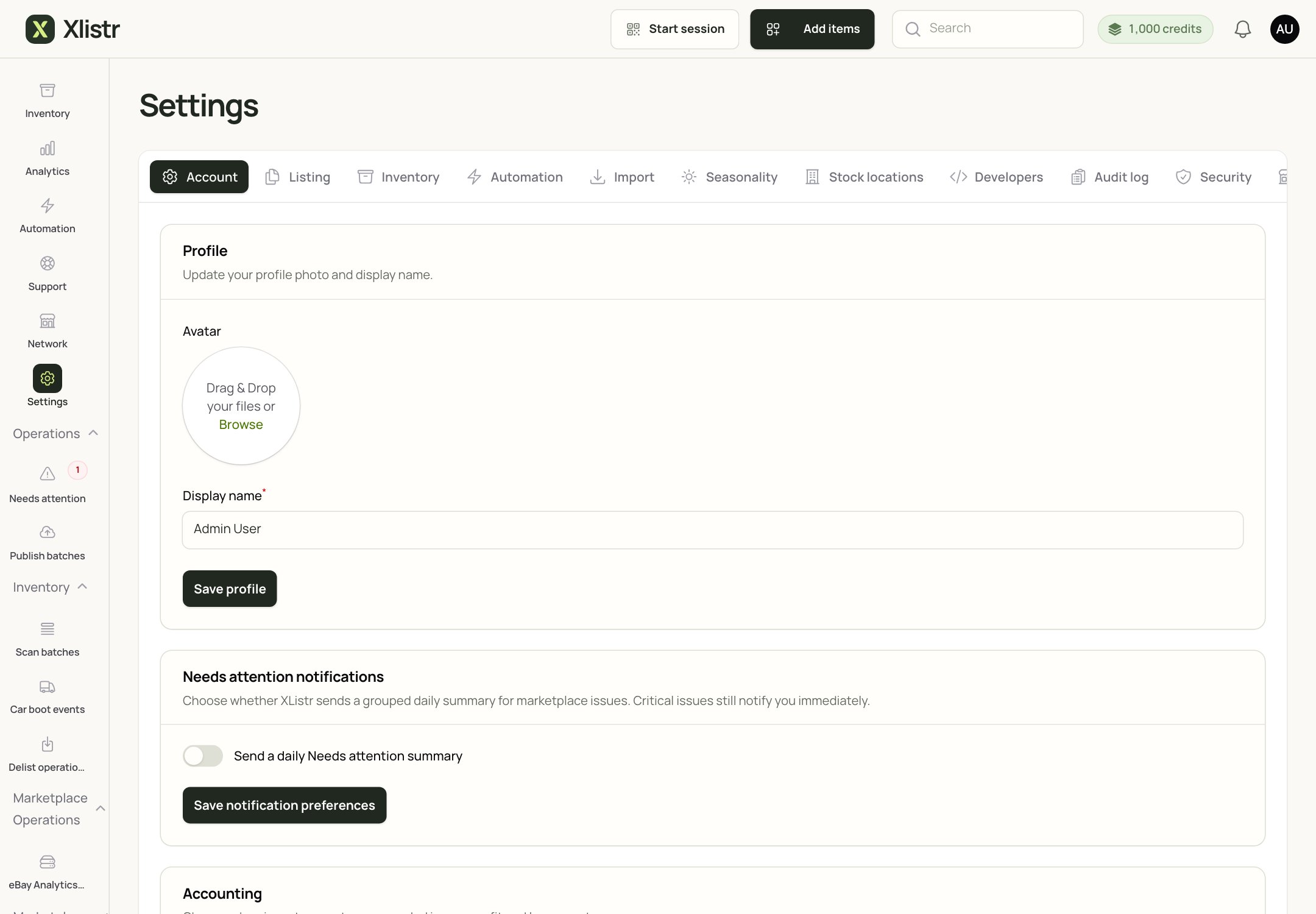
The Settings screen. Billing and AI credits are under the Account tab.
Check your plan
- Open Settings > Account.
- Find the Billing section.
- Check the plan name, status and renewal date.
- If a trial is included, the trial end date is shown there and at checkout.
Manage your subscription
Use Settings > Account to:- update the payment method;
- view invoices;
- change your plan;
- open the billing portal.
AI credits
AI listing help is optional. If you use it, the credit balance is shown in the top bar and in Settings > Account > AI credits.- Monthly credits reset according to your plan.
- Purchased credits do not expire.
- Each marketplace listing result may use a set number of credits.
- A failed generation may still use credits. Check the result before generating again.
Invoices and receipts
Use the billing portal to download invoices. If you need a VAT receipt or a different billing name, update the billing details in the portal before downloading. If an invoice is missing, check:- the billing period;
- the email address on the account;
- the spam folder;
- whether the payment succeeded.
Cancel or change your plan
- Open the billing portal from Settings > Account.
- Choose the plan or cancellation option.
- Read the confirmation screen carefully.
- Check the date the change takes effect.
If a payment fails
- Check the card details and expiry date.
- Check with your bank; some cards block recurring payments.
- Update the payment method in the billing portal.
- If the plan is downgraded, check which features and limits change.
Common questions
Where can I see my current plan?
Where can I see my current plan?
Settings > Account > Billing shows the plan and status.
Do unused AI credits roll over?
Do unused AI credits roll over?
Monthly included credits usually reset; purchased credits usually do not expire. Check the text in Settings > Account > AI credits for your plan.
Can I get a refund?
Can I get a refund?
Refunds depend on the terms shown at checkout and the reason for the request. Contact support with your account email and invoice number.
Can I change my billing email?
Can I change my billing email?
Use the billing portal to update the billing details. If the portal does not allow it, contact support.
What happens if I cancel?
What happens if I cancel?
The plan usually stays active until the end of the paid period, then changes. Check the confirmation screen for the exact date.
Next steps
Account security
Protect your sign-in, team access and browser sessions.
Support
Find out what to include in a billing request.
AI listing help
Learn how AI credits are used.
Feature requests
Suggest a billing or plan improvement.