

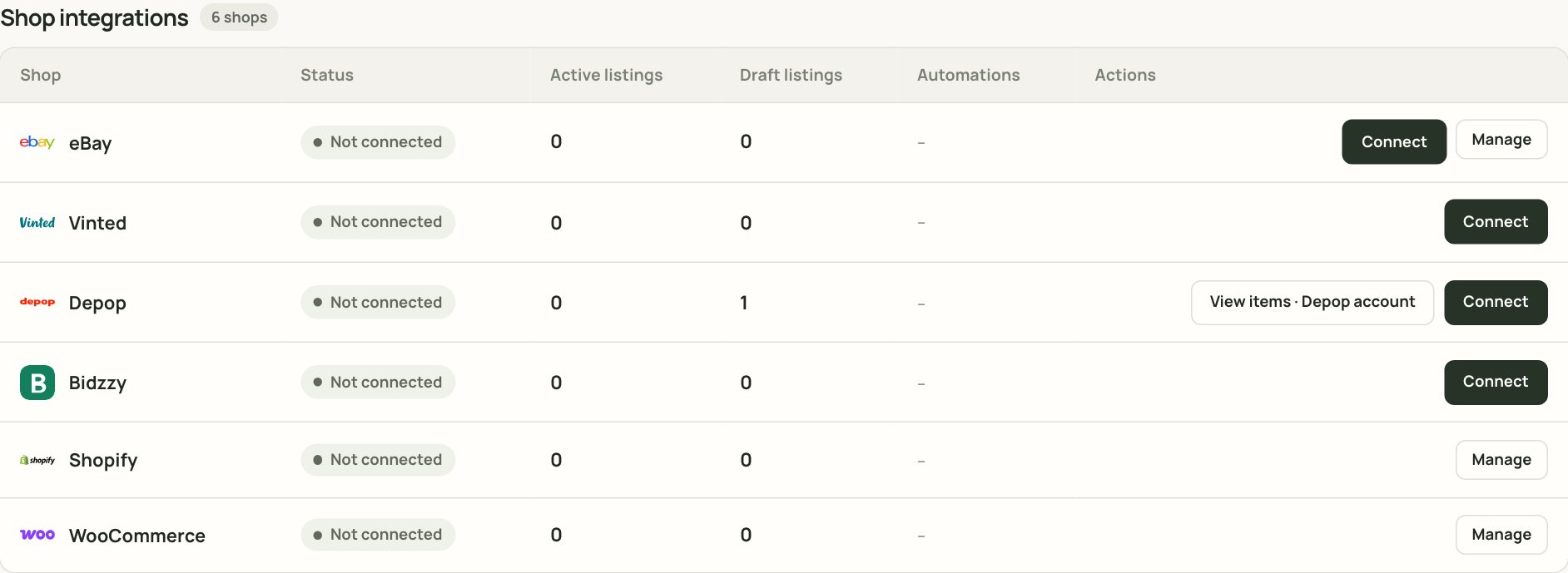
Shop integrations inside Automation. The shops available to your workspace appear here.
How each channel connects
The shops available to your workspace can differ. Use Automation > Shop integrations as the source of truth. If a shop is not shown, it is not available for your account yet.
eBay
eBay connects with an official account login. It is usually the most complete integration:- list and revise items;
- end listings;
- sync quantity;
- import existing listings;
- use categories, item specifics and postage policies;
- use HTML description templates on supported accounts.
Vinted
Vinted uses the Xlistr Chrome extension and the browser session you are already signed in to.- Keep Chrome open.
- Keep the extension enabled.
- Stay signed in to Vinted in the same Chrome profile.
- Expect a short delay while the extension polls for sales and updates.
Depop
Depop also uses the Chrome extension.- Listing and delisting wait for the browser session.
- Stock updates follow the same shared quantity.
- If the extension is offline, actions wait rather than guessing.
Bidzzy
Bidzzy uses the Chrome extension and the signed-in seller session. The same browser rules apply: Chrome open, extension enabled, correct account.Shopify and WooCommerce
Shopify and WooCommerce are your own storefronts, not extra marketplaces.- Store sales reduce marketplace quantity, and the reverse.
- Self-hosted WooCommerce stores use the same SKUs and variants.
- The connection is a store connection, not a Chrome extension.
What happens after a sale
When a sale is confirmed, Xlistr can:- reduce the inventory quantity;
- record the sale and its costs;
- revise or end the other marketplace listings;
- update stock on the connected channels.
What Xlistr is not
Xlistr is not a replacement for eBay, Vinted, Depop or your own store. It does not:- hold your money;
- handle buyer messages for you;
- replace the marketplace’s returns process;
- guarantee that a listing will be accepted;
- make a sale happen.
Next steps
Connect your marketplaces
Connect a shop and check its status.
eBay guide
Categories, item specifics, postage and revisions.
Vinted guide
The Chrome extension, sessions and stock sync.
Shopify and WooCommerce
Connect your own storefronts to the same stock pool.